
What's new: Teams, and more control over how you train
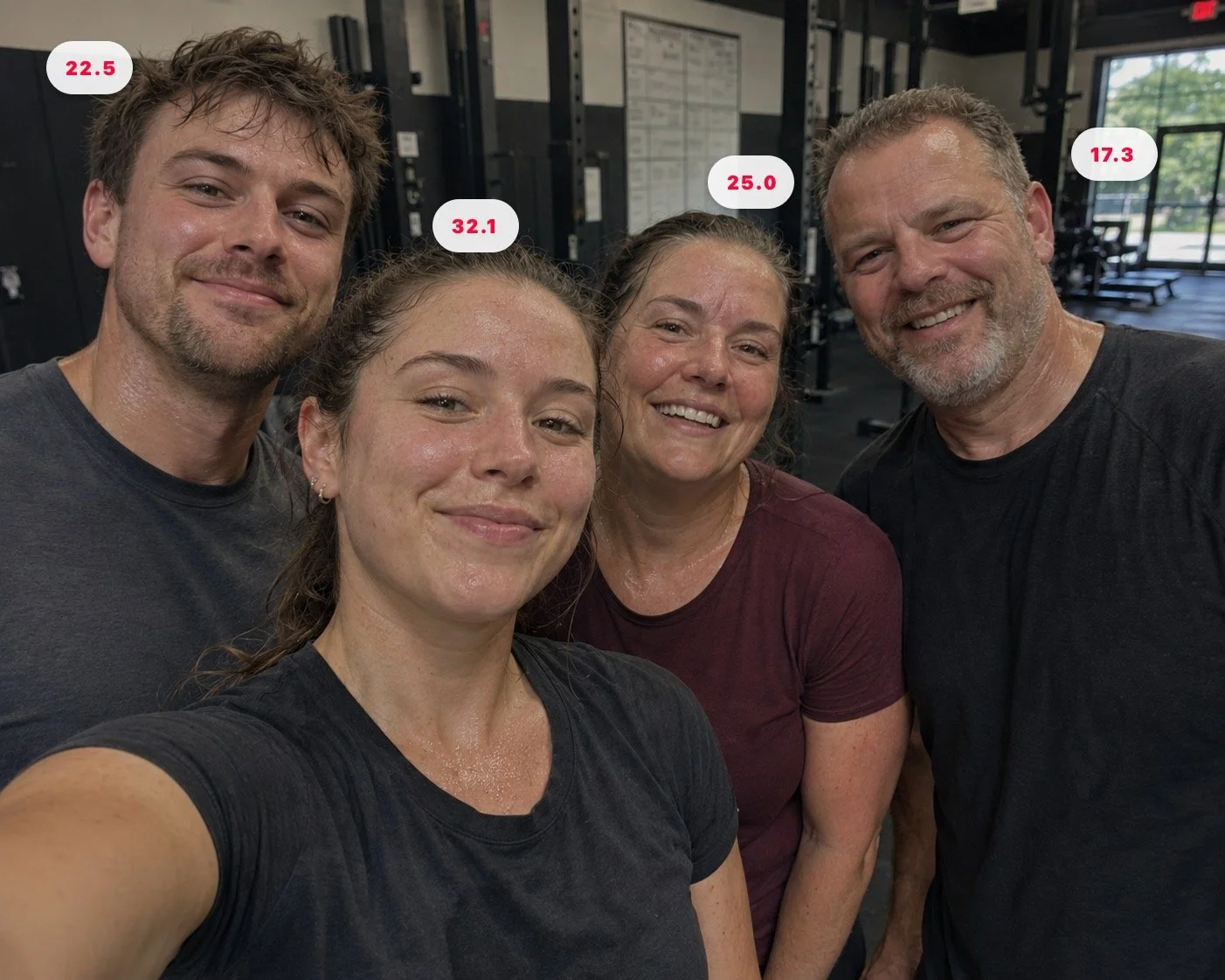
Compare your Strain scores in the Team leaderboard
The changes in this release touch the parts of Cadent that matter most: the screen you look at during a session, the data you review at the end of a cycle, and the people you train with.
Here's what's new.
Share your progress.
Teams is live.
You can now create a team and invite the people you want to share your training journey with: friends, family, a training partner you've been comparing notes with. Everyone's activity shows up in a shared feed. See each others Strain scores and Strength Levels in team specific leaderboards.
There's no chat, no noise. Just training data, shared. The kind of accountability that actually works.
Auto Play
Auto Play is a new feature that allows you to choose how the workout flows. With Auto Play on, you keep the session moving through sets and rest periods automatically, the right amount of rest at the right time. It’s designed to keep your training efficient and on track.
Turn it off, and you take full control of the pacing. You still get the timer count downs for sets and rests, but then it will hold at zero, showing how far you’ve drifted past the window. It’s not a penalty. It’s information; a nudge that keeps you on track. Browse equipment options, rewatch the exercise video, take the extra minute. Then move on when you’re ready.
The session structure is there for a reason. Auto Play helps you stay inside it, but ultimately you’re in control.
Understand and control your training cycle
Strength doesn’t build in a session. It builds across blocks: Volume into Build into Peak into Adapt — and seeing that arc clearly matters.
A new Cycle Analysis screen shows your performance across every block: Duration, Volume, Strain, and Activity, with colour-coded achievement scores. When you finish a block, the completion screen goes further — a full target vs. actual breakdown across key metrics for both the block and the full cycle. You can also decide whether to vary or keep the same exercises going into the next one.
That’s also where Weight Progression comes in. Formerly called “Deload”, the rename reflects what it actually is: a tool for intelligent load management across your cycle, not just a fallback for tired days. Positive values push your weights above baseline. Negative values pull below it. Primary and accessory exercises adjust independently. Set it at block completion to match where you’re starting from — strong off a good block, or conservative after a disrupted one.
The periodisation engine is doing work in the background every time you train. These additions let you see how it’s going, and let you shape what comes next.
Settings, in one place
A new Settings screen brings your workout preferences together: keep screen awake, Auto Play, and audio cues. Tap the gear icon on your Profile.
A note
Every change in this release came from somewhere: a piece of feedback, a friction point, a feature that should have existed sooner. If you’re using Cadent and something could be better, we want to hear it.
